
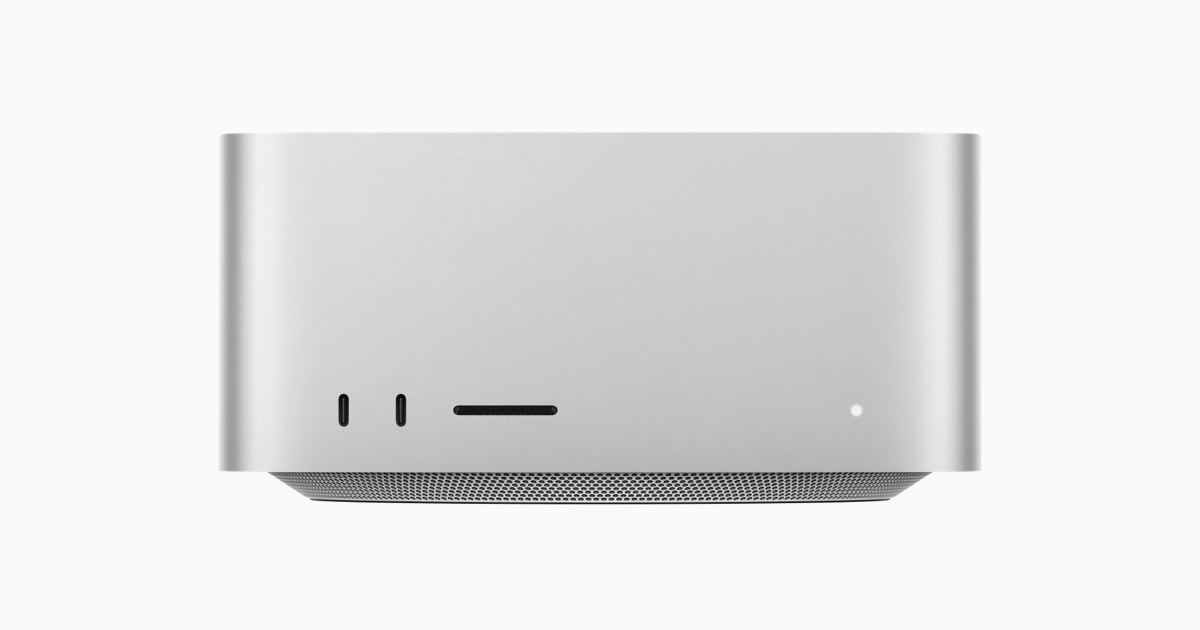
- Buy the 96GB M5 Ultra for a proven memory-heavy, GPU-heavy or multi-stream production bottleneck, not for ordinary office work.
- Apple lists the M5 Ultra from $5,499 and M5 Max from $2,499 in the US; compare matched memory and storage before paying the gap.
- The 1TB internal SSD can be limiting for large media libraries; budget for external storage and required displays.
Disclosure: No sponsorship, loaned or gifted products, or affiliate links · Source-based editorial guide; no affiliate links or product loan.
The value proposition is capacity, not a faster desktop feel
Key point: The 96GB unified-memory floor and 1.2TB/s memory bandwidth matter when a job can use them.
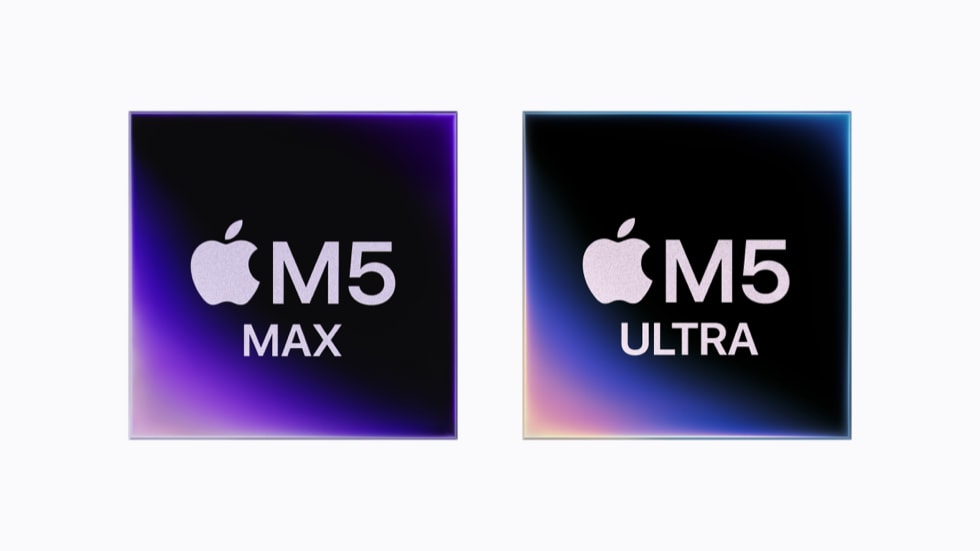
Apple specifies a 30-core CPU, 64-core GPU and 96GB unified memory for the base M5 Ultra, with 1.2TB/s memory bandwidth. Those are maker specifications, not a claim that every task finishes proportionally faster. Large local models, complex 3D scenes and multi-stream video timelines are plausible use cases because they can pressure memory and GPU resources at the same time.
A spreadsheet, web development session or occasional 4K edit is a weak reason to pay for Ultra. The useful test is your own machine: record peak memory pressure, swap use, export time and hours lost per week. If the current Mac stays comfortable, the bigger chip will mostly buy idle headroom.
| Apple base tier | M5 Max | M5 Ultra |
|---|---|---|
| Starting US price | $2,499 | $5,499 |
| CPU / GPU cores | 18 / 32 | 30 / 64 |
| Unified memory / SSD | 36GB / 512GB | 96GB / 1TB |
Evidence: [1]
“Pay for the bottleneck you can measure, not the largest chip you can configure.”
What the 96GB/1TB configuration changes at work
Key point: Memory headroom is the selling point; internal storage and the rest of the desk remain extra costs.
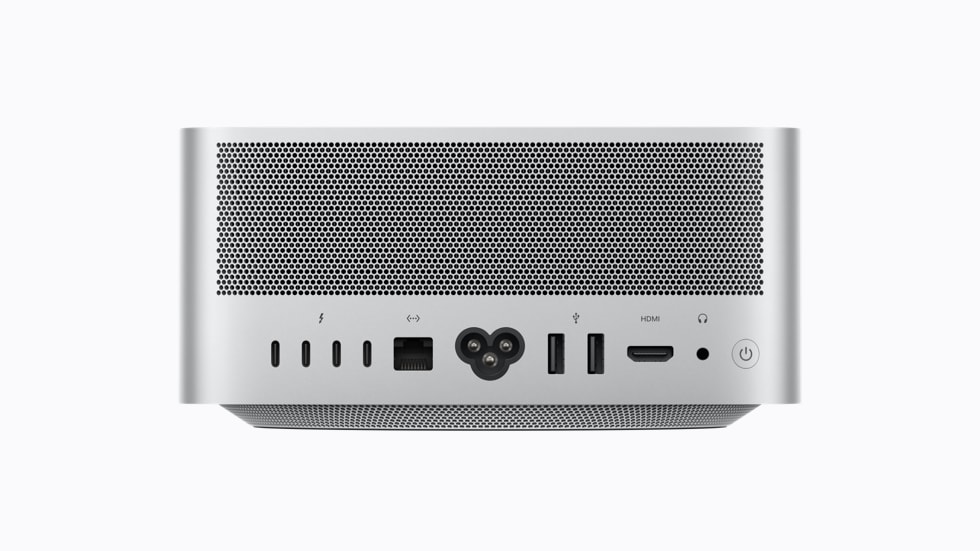
Apple lists 96GB unified memory and 1TB SSD storage for this tier. Unified memory serves CPU and GPU workloads from one pool, so capacity can matter more than a peak benchmark when a scene or model would otherwise spill to storage. It does not remove software compatibility limits: confirm your plug-ins, render engine and AI tools support the GPU path you expect.
Apple specifies six Thunderbolt 5 ports across the machine, 10Gb Ethernet and up to 3.6kg weight for M5 Ultra. The front ports and card slot are useful for ingest; high-speed external storage may be necessary if 1TB fills quickly. Add the display, dock, backup drive and software licences to the acquisition cost before calling the compact chassis a complete workstation.
Evidence: [1]
Price, alternatives and longevity
Key point: The M5 Max is the first counteroffer; match RAM and SSD before choosing.
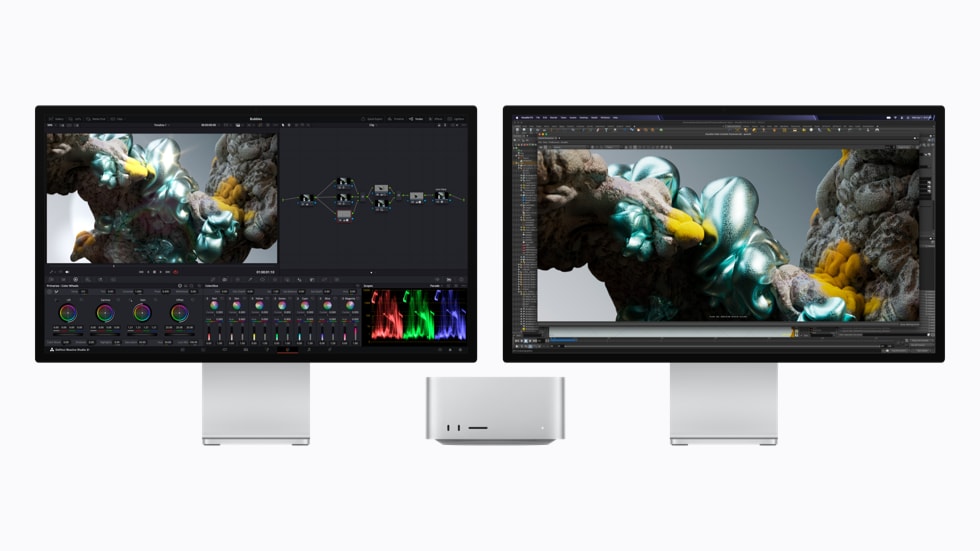
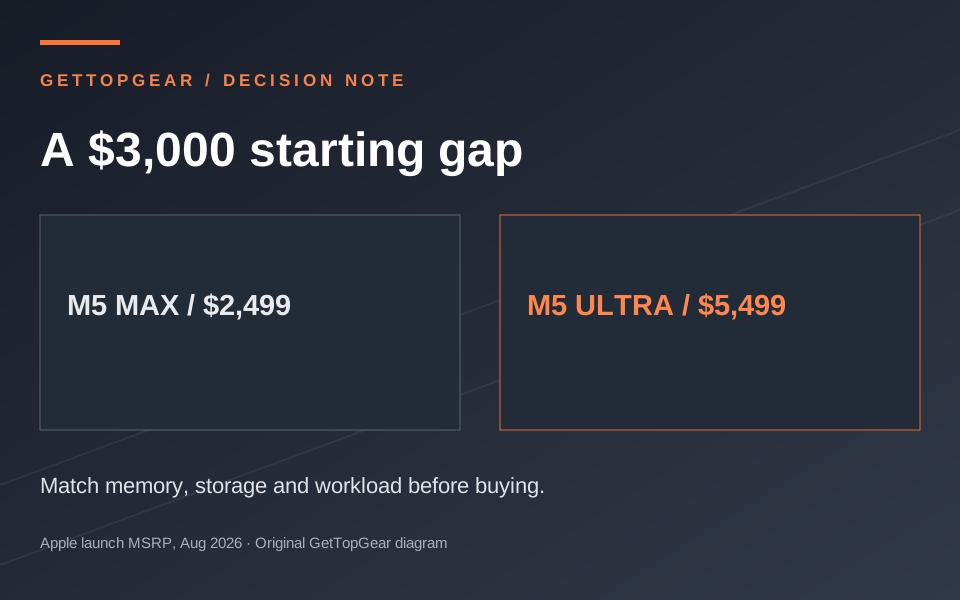
Apple announced US starting prices of $2,499 for M5 Max and $5,499 for M5 Ultra in August 2026. That $3,000 entry gap is real, but the configurations are not identical. Configure both with the memory and storage your project requires, then compare the resulting checkout prices. If the M5 Max configuration fits the job and finishes it on schedule, Ultra has a poor payback case.
The fixed purchase configuration also makes overbuying and underbuying costly. Plan a realistic useful life: estimate project volume over three to five years, backup needs, power and support. Do not infer reliability from Apple’s age as a company; check the warranty and local service terms for the actual purchase. A lower-cost Mac Studio, or keeping a working machine, may have better value than speculative future demand.
Buy now, wait, or keep your current Mac?
Key point: Buy only when the work saved is worth more than the configured price premium.
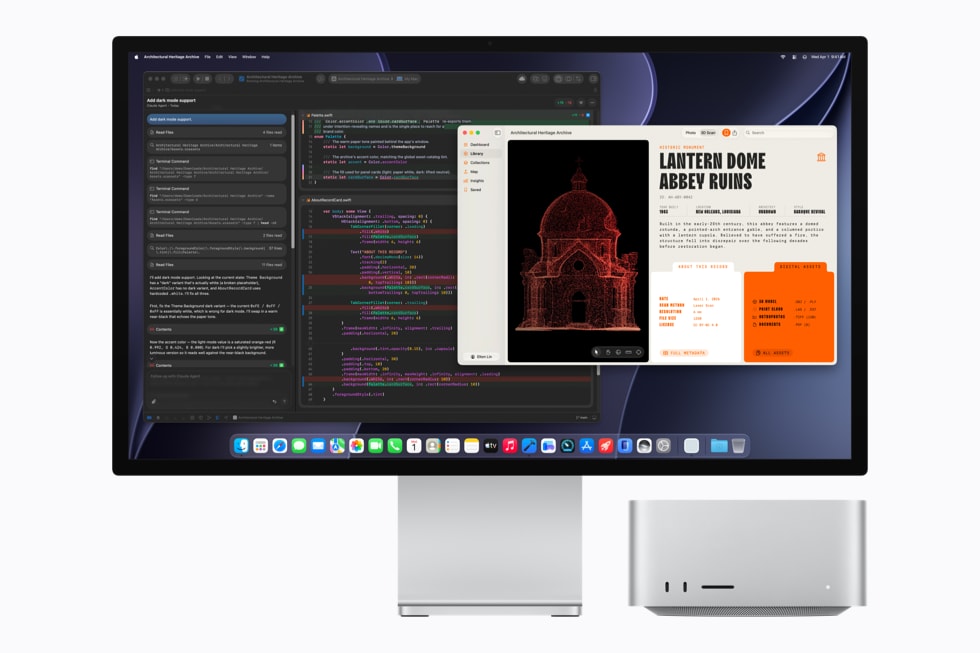
Buy now if paid work is blocked by memory pressure or long GPU jobs, your exact software benefits, and the time saved can repay the premium within your ownership horizon. Wait if the workload is seasonal, software support is unclear, or you have not priced a like-for-like M5 Max. Keep your current Mac if it meets deadlines and its memory pressure is low.
This is a specification-led buying guide, not a hands-on benchmark. Apple’s figures describe the product; the missing proof for your purchase is a run of your own project on the target configuration or a trustworthy benchmark of the same application.
Sources and evidence
- Apple Mac Studio technical specifications — Chip, memory, storage, ports and weight; checked 17 Nov 2026.
- Apple Mac Studio launch and US starting prices — Starting MSRP; actual configured and current checkout prices may differ.